
You know that frustrating moment when your Wi-Fi drops out right in the middle of a video call? You’re not alone. We all want a reliable home network that works seamlessly. home network optimization comes in.
I’ve spent years tinkering with my own setup, learning what actually makes a difference. Spoiler alert: it’s not just about speed. It’s about understanding your devices, your layout, and even your internet service.
Are you tired of buffering while streaming your favorite shows? Or maybe you have dead zones in your home? This article dives into practical strategies to improve your network’s performance.
Trust me, I’ve tested these methods myself. I’ll share what works and what doesn’t. By the end, you’ll have actionable tips to create a home network that meets your needs.
Let’s get started on making your digital life smoother.
Diagnosing Network Bottlenecks: Get It Right the First Time
Before you dive into solutions, you need to ask why your network is sluggish. Is it outdated hardware or something else? Understanding the why is key.
Start with a network health check. Internet speed tests on Ookla or Fast.com are a good start, but don’t stop there.
Local network speed tests can catch issues that broader tests miss. Wi-Fi signal strength and coverage are next. Tools like NetSpot or Wi-Fi Analyzer can show dead zones or weak spots.
Common culprits for network underperformance often include outdated routers and modems. Channel interference? A real pain if your neighbors are hogging the airwaves.
I mean, how can you improve without knowing where the problem lies?
And those bandwidth-hogging devices? They can bring your network to its knees.
Physical obstructions matter too. Walls and furniture can disrupt signals. Review your router logs.
Unusual activity or persistent errors might be happening under your nose. These logs offer takeaways into potential issues you might overlook.
Home network optimization isn’t just about speed. It’s about understanding your network’s unique problems. Once you know these, solutions become clearer.
So, are you ready to dig into your network’s quirks?
Wi-Fi Mastery: Unlocking Your Network’s Potential
Let’s talk router placement. It’s not just about tossing it on a shelf. Your router should be at the center of your home, elevated, and away from interference monsters like microwaves and cordless phones.
Trust me, this is the first step in home network optimization.
Thinking about upgrading? Modern Wi-Fi standards like Wi-Fi 6/6E/7 aren’t just buzzwords. They boost speed and capacity.
Especially if you have a device-dense home (who doesn’t these days?). Your Netflix binge will thank you.
Mesh Wi-Fi systems versus traditional extenders? Ah, the eternal debate. Mesh is like hiring an army of routers, while extenders are more like duct-taping the signal.
Powerline adapters, though, are the dark horse (great) for solid walls. Choose wisely.
Then there’s channel optimization. Use channel analysis tools to pick less congested 2.4GHz or 5GHz channels. It’s like finding the secret back road during rush hour.
And don’t forget network segmentation. A dedicated guest network boosts security and performance. Why let visitors hog your bandwidth?
For more on tech mastery, check out mastering cloud storage solutions. It’s all about maximizing what you already have.
Unleashing Speed: The Power of Wired Connections
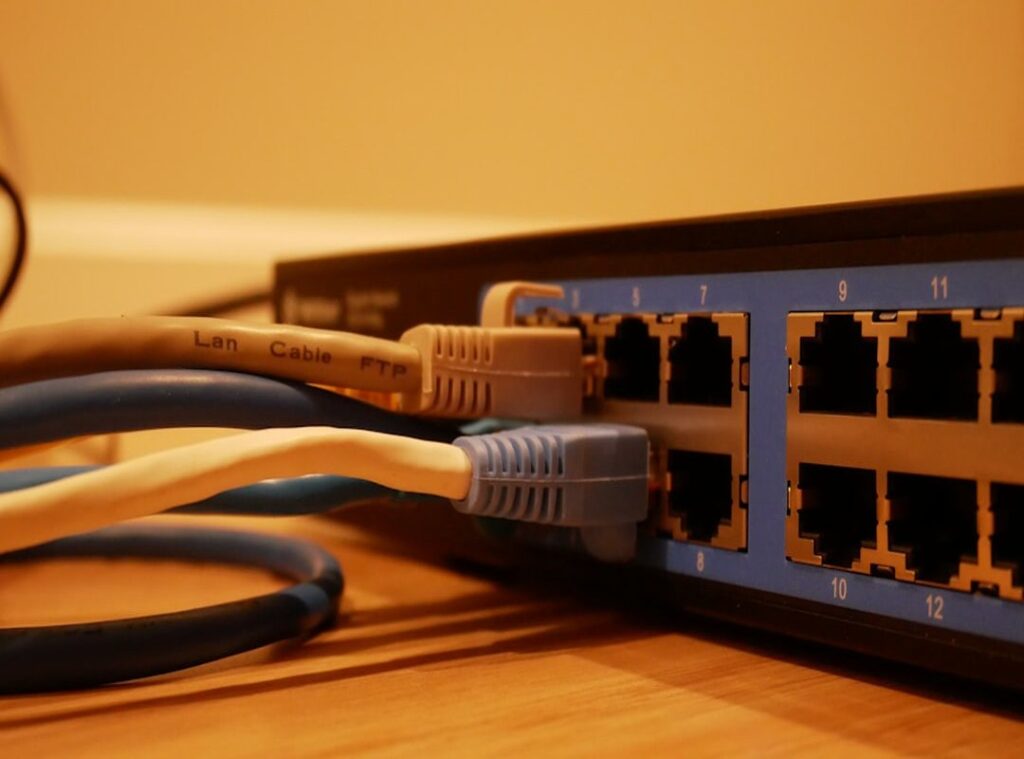
Why are we still fumbling with Wi-Fi when Ethernet cables exist? For gaming consoles, smart TVs, or desktop PCs, nothing beats the speed and stability of a wired connection. Ethernet is the unsung hero of home network optimization.
Let’s not kid ourselves; it can be a hassle to run those cables, but the payoff is worth it.
Now, here’s the kicker: cable types matter. Cat5e, Cat6, Cat7 (each) offers different speeds and shielding. Choose wisely.
And yes, proper termination is important. You don’t want to botch this and end up crawling behind the TV again, right?
Powerline adapters are your friend when you can’t run new cables. They use your home’s electrical wiring to mimic Ethernet. It’s perfect for quick solutions, but don’t expect Ethernet-level performance.
MoCA, on the other hand, is a game-changer. It uses existing coaxial cables (you know, the ones from your old cable TV) to create a high-speed backbone.
Want to expand your wired network? Think network switches. Managed switches offer more control, but unmanaged ones are plug-and-play.
Choose based on your tech comfort level. It’s all about finding what fits your needs. So, are you ready to ditch the lag and embrace true speed?
Guard Your Gate: Important Network Security Tips
Let’s cut to the chase. Network security is not optional. If you’re serious about home network optimization, start by locking your digital doors. Use strong, unique passwords for Wi-Fi and router admin.

I mean, do you really want a hacker guessing “password123”?
Next, ditch the outdated encryption. Upgrade to WPA3. (It’s like swapping a rusty lock for a high-tech one.) This newer standard greatly improves wireless security. If you’re curious about how it stacks up, check out this breakdown.
Regularly updating your router’s firmware is often overlooked. It patches vulnerabilities. It boosts performance.
So, why ignore it? Think of it like downloading software updates for your phone.
Let’s talk firewalls. They’re not just for show. A properly configured firewall prevents unauthorized access.
It’s your network’s bouncer. Adjust settings to suit your needs without being heavy-handed.
VPNs are not just for James Bond types. They add a layer of security for remote access or public Wi-Fi. Choose wisely, considering speed, privacy policy, and reliability.
It’s a small price for peace of mind.
Network security isn’t glamorous, but it’s important. Without it, you’re rolling the dice on your digital life. What’s the point in having modern devices if they’re vulnerable?
Mastering Your Network: Pro Tips for Performance
Ever been in the middle of an intense gaming session only for your connection to lag? It’s a nightmare. Let me tell you, Quality of Service (QoS) settings are your best friend here.
By prioritizing bandwidth for key activities like video conferencing or gaming, you can avoid those frustrating interruptions.
But it doesn’t stop there. You can improve your DNS settings too. I’ve switched to Google DNS and even tried Cloudflare’s server.
Both options can reduce latency and improve browsing speed.
Now, let’s talk about network monitoring tools. These tools give you real-time takeaways into traffic and device usage. Imagine knowing exactly what’s hogging your bandwidth and fixing it before it becomes a problem.
It’s like having a secret weapon.
Thinking about adding smart home devices? Consider creating a dedicated IoT network. This boosts security but also keeps your main network running smoothly.
Curious about how to get started? Check out this Smart Devices Guide Beginners.
Lastly, dive into advanced router features. Port forwarding, static IPs, and IPv6 can future-proof your network. You don’t want to be caught off guard when everything goes digital.
Trust me, these tweaks are game-changers for home network optimization.
Take Charge of Your Network Today
You can master your digital domain. The path from network frustration to a reliable and secure home network isn’t just a dream. It’s real.
With the right strategies, like home network optimization, you’ll see tangible results.
Don’t wait. Start implementing these enhancements today. Your digital experience will improve.
Feeling overwhelmed? I get it. Take it step by step.
You deserve a fast network that works. Let’s make it happen.
Dive into these strategies now and explore advanced solutions. Stay ahead of the game in this ever-evolving tech world. Your superior network awaits.
 Zorynth Pell is the kind of technology writer who thinks a lot about where innovation leaves people emotionally, not just economically or socially. That’s part of what makes the voice behind Elmagadvance.net feel different from many other tech platforms. Zorynth covers Tech Innovations Today, Digital Advancements, and Emerging Technology Discussion with a broader perspective than simple product reporting or trend forecasting. There’s a noticeable interest in how technology changes the rhythms of everyday life — how people communicate, how they work, how they think about progress itself.